
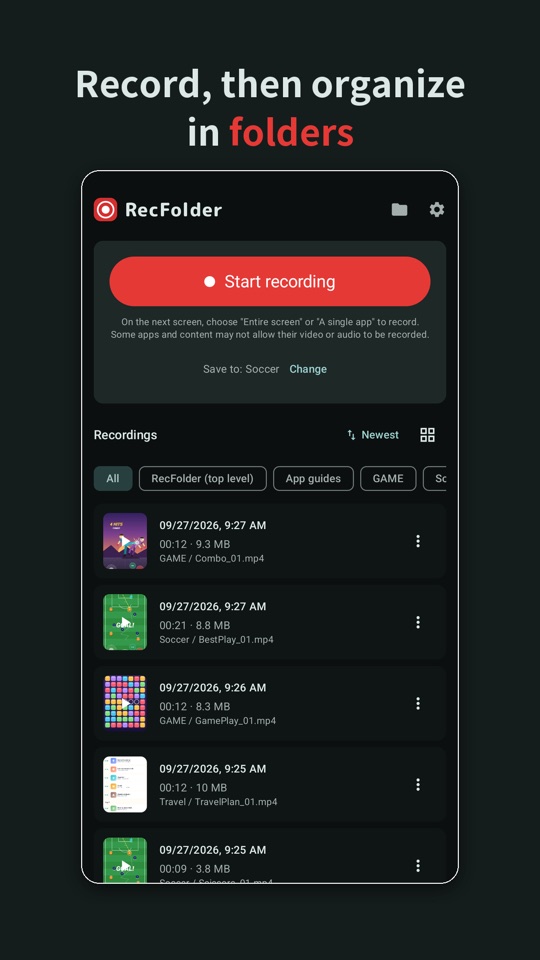
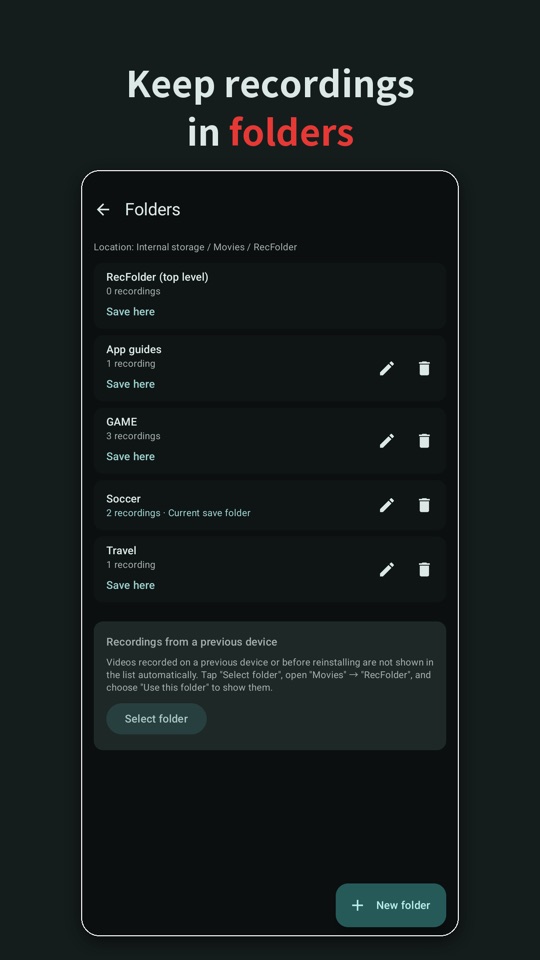
RecFolder is a simple screen recorder that lets you record whenever you need and keep your recordings organized in folders. Recordings are saved in the “Movies/RecFolder” folder on your device, so you can also open them in your photo and file manager apps or on your computer.
Features
Easy recording
- Record your screen with one tap (MP4)
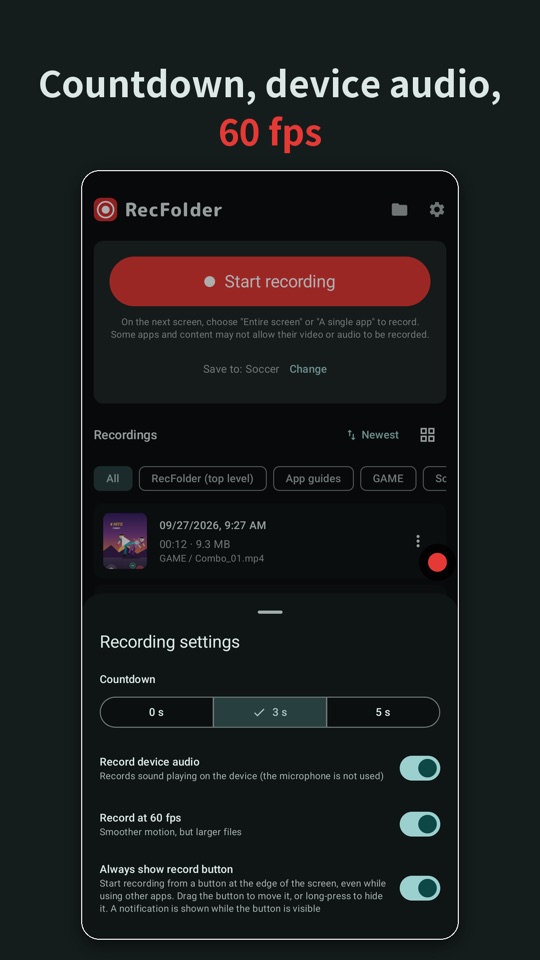
- Optionally record sound playing on your device (can be turned on or off)
- Countdown before recording starts (0, 3 or 5 seconds)
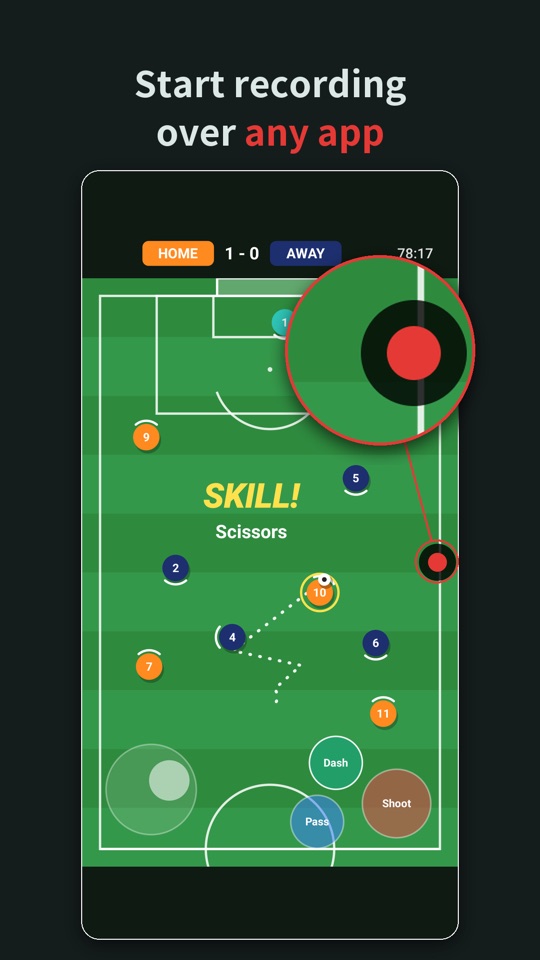
- Elapsed time is shown at the edge of the screen while recording. Tap it to stop
- Start recording while using other apps, from a button at the edge of the screen or from the Quick Settings panel
- On Android 14 and later, choose to record the entire screen or a single app
- Smooth 60 fps recording on supported devices
Organize with folders
- Create, rename and delete folders freely
- The folder you choose is used again next time
- Filter the list by folder
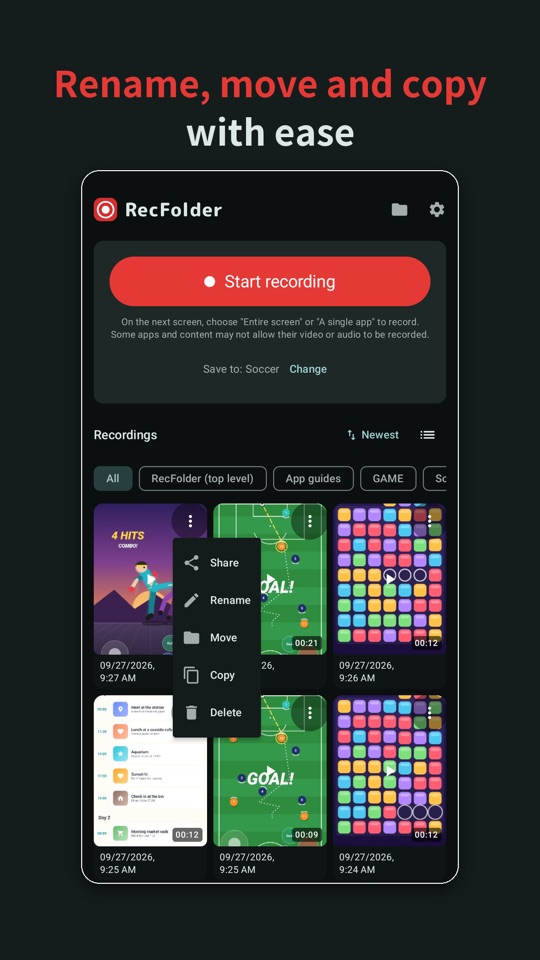
- Switch between list view and grid view with large thumbnails
- Sort by newest, oldest, longest, shortest or size
- Rename recordings, and move or copy them to another folder
- Copy recordings to any location on your device, such as the Downloads folder
Play in the app
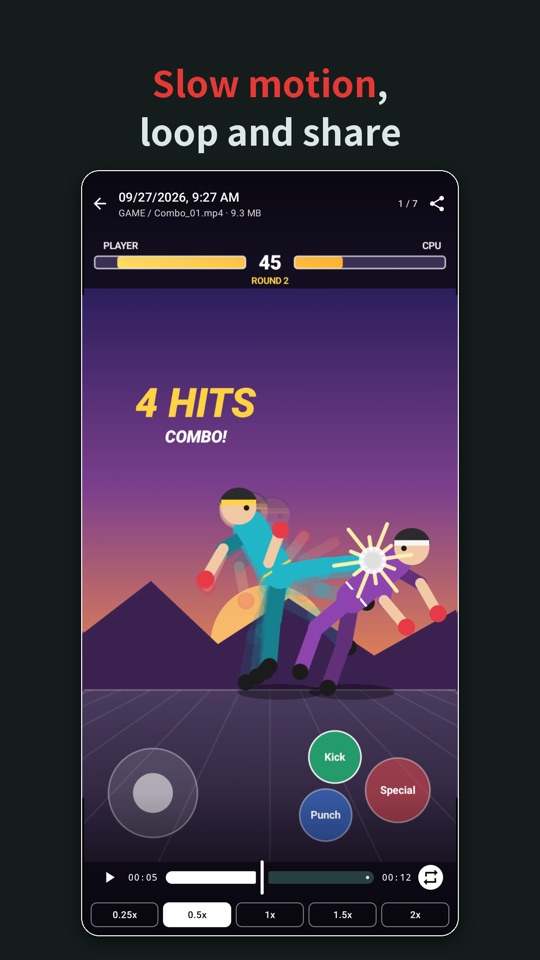
- Change playback speed from 0.25x to 2x
- Swipe left or right to switch to the next or previous recording in the list
- Loop playback
Share and manage
- Send recordings to any app with Android’s share feature
- Delete recordings you no longer need (the file on your device is deleted too)
- After switching to a new device, show recordings from your previous device in the list
Privacy
- The app never sends your recordings to external servers
- The app does not record from the microphone
The app collects usage and crash information to improve the app and to show ads. For details, see the Privacy Policy.
Please note
- Copyright-protected content and apps or videos that restrict recording (such as DRM-protected content) may be recorded as a black screen or without sound. This app does not bypass these restrictions
- Sound from apps that do not allow audio capture is not recorded
- Please use your recordings for personal purposes. Publishing or distributing other people’s copyrighted works without permission is prohibited by law